

Payment solutions for WooCommerce sites
What is WooCommerce?
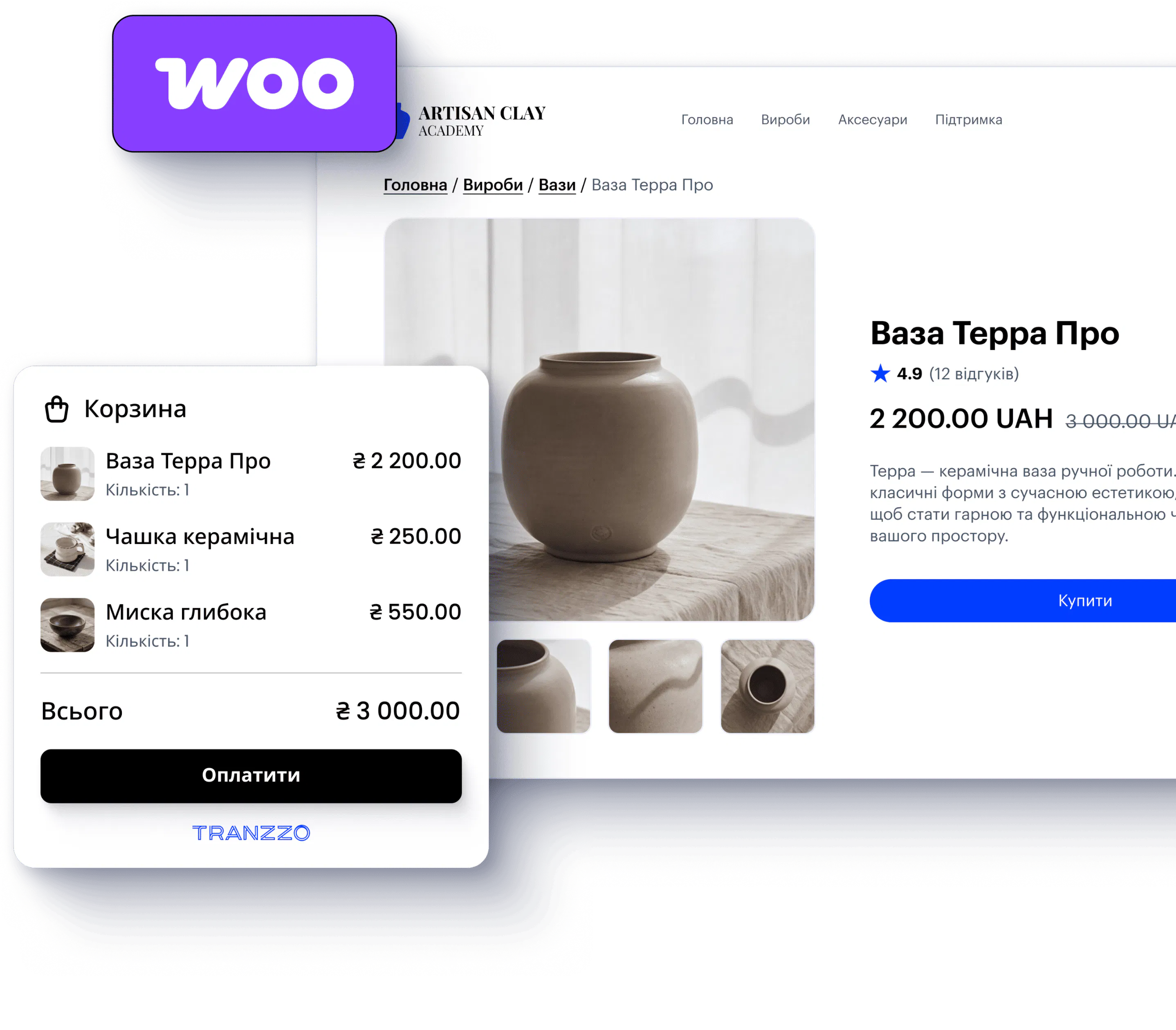
WooCommerce is one of the most popular platforms for creating online stores with WordPress. It allows you to manage products, orders and sales in a single environment, while a payment gateway for WooCommerce sites from Tranzzo helps you add convenient payment options without building an integration from scratch.
With the ready-made module, you can quickly connect online payments to WooCommerce, accept payments and manage transactions, reports, and refunds in the merchant portal.

Main Tranzzo products in the WooCommerce payment solution
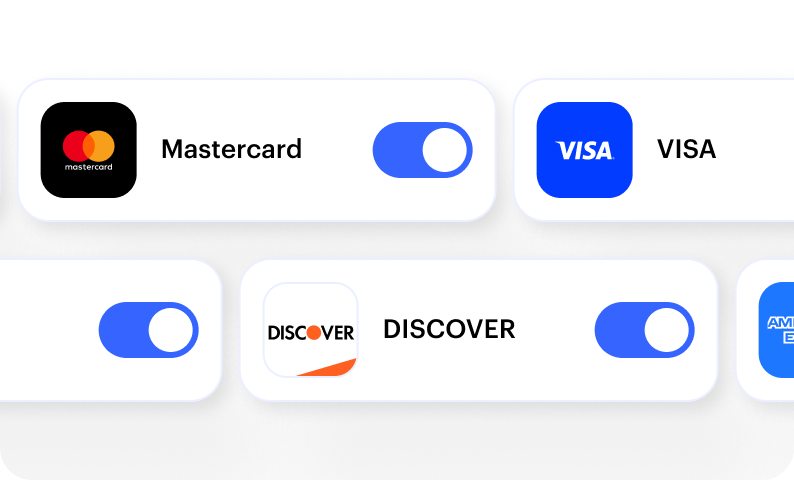

Bank cards
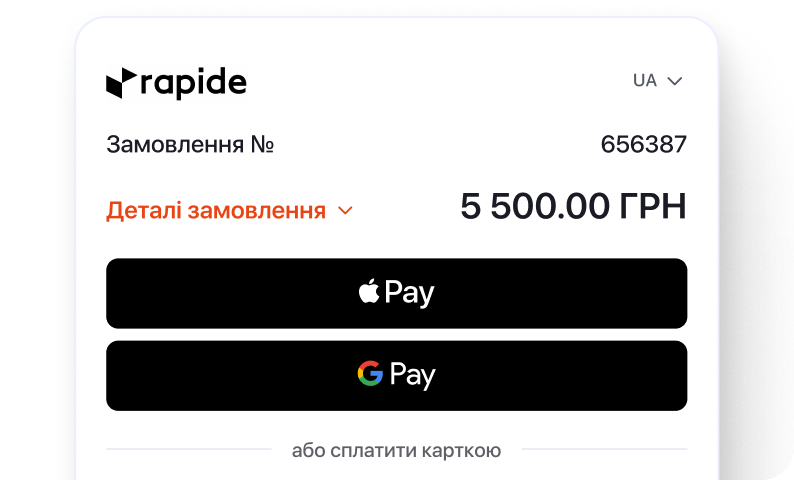

Google Pay and Apple Pay


Instalment payment
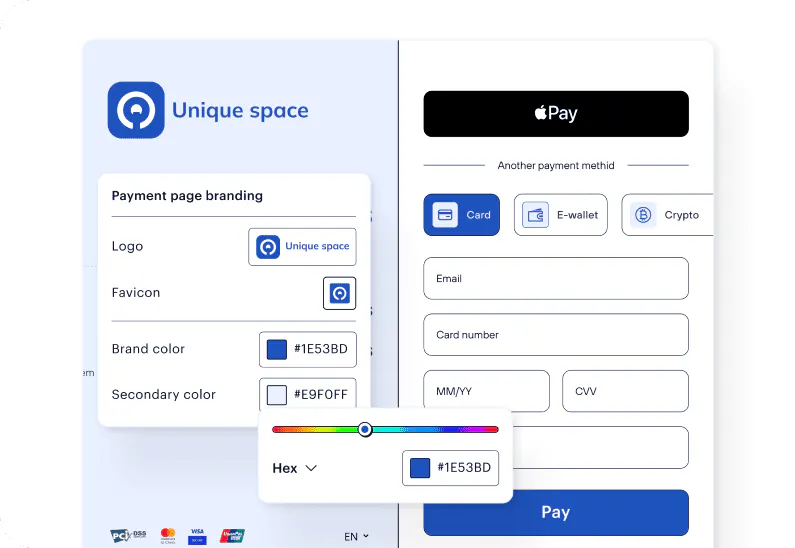

Branded Checkout
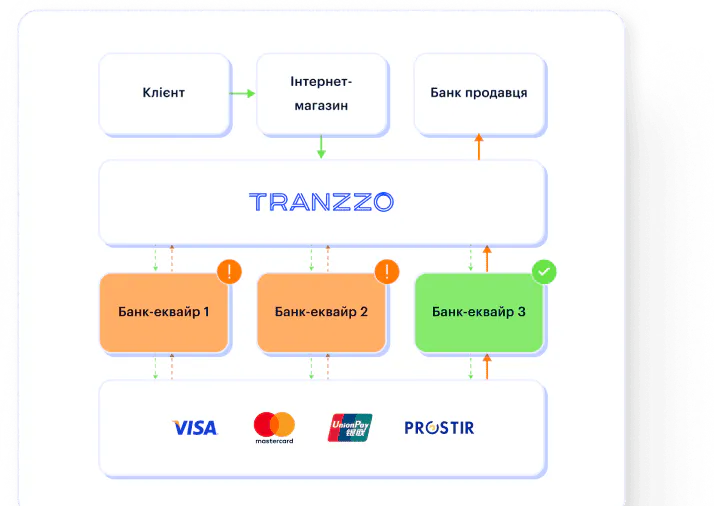

Stable payments
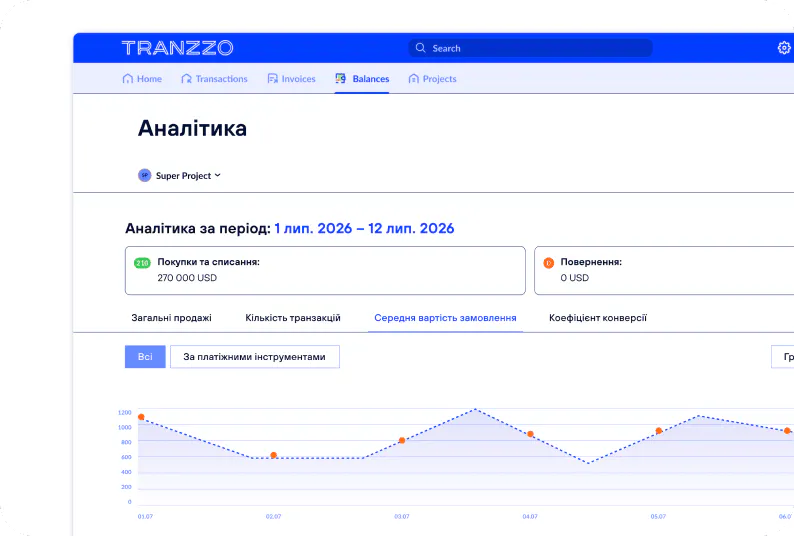

Merchant portal
How to connect Tranzzo to WooCommerce
Integrating payments with WooCommerce via the ready-made module doesn't require you to create a payment infrastructure from scratch. Connection is done in four simple steps.
Leave an application
Complete onboarding
Install the module
Start accepting payments
How much does connecting payments cost?
![[object Object]](https://tranzzo-site.cdn.prismic.io/tranzzo-site/aaacad97-8e1e-4c3c-909d-6774ac4fe0dd_SAAS.svg?fit=max&w=256 "[object Object]")
WooCommerce module—free of charge
Install the ready-made Tranzzo payment module and enable your chosen payment methods.
![[object Object]](https://tranzzo-site.cdn.prismic.io/tranzzo-site/49b11c34-b328-438d-94b9-351758cc6c7f_Credit.svg?fit=max&w=256 "[object Object]")
Custom acquiring fee
The fee for accepting online payments is tailored to your business specifics.
Things that may affect the fee:
- Monthly turnover;
- Industry;
- Average transaction size;
- Sales geography;
- Currencies and payment methods;
- Payment scenario features.
![[object Object]](https://tranzzo-site.cdn.prismic.io/tranzzo-site/f7246abf-727c-4202-9831-60a909926a9e_Education.svg?fit=max&w=256 "[object Object]")
No subscription fee for the module
You don’t pay a monthly fee for using the WooCommerce module itself.
How payments look for a shopper

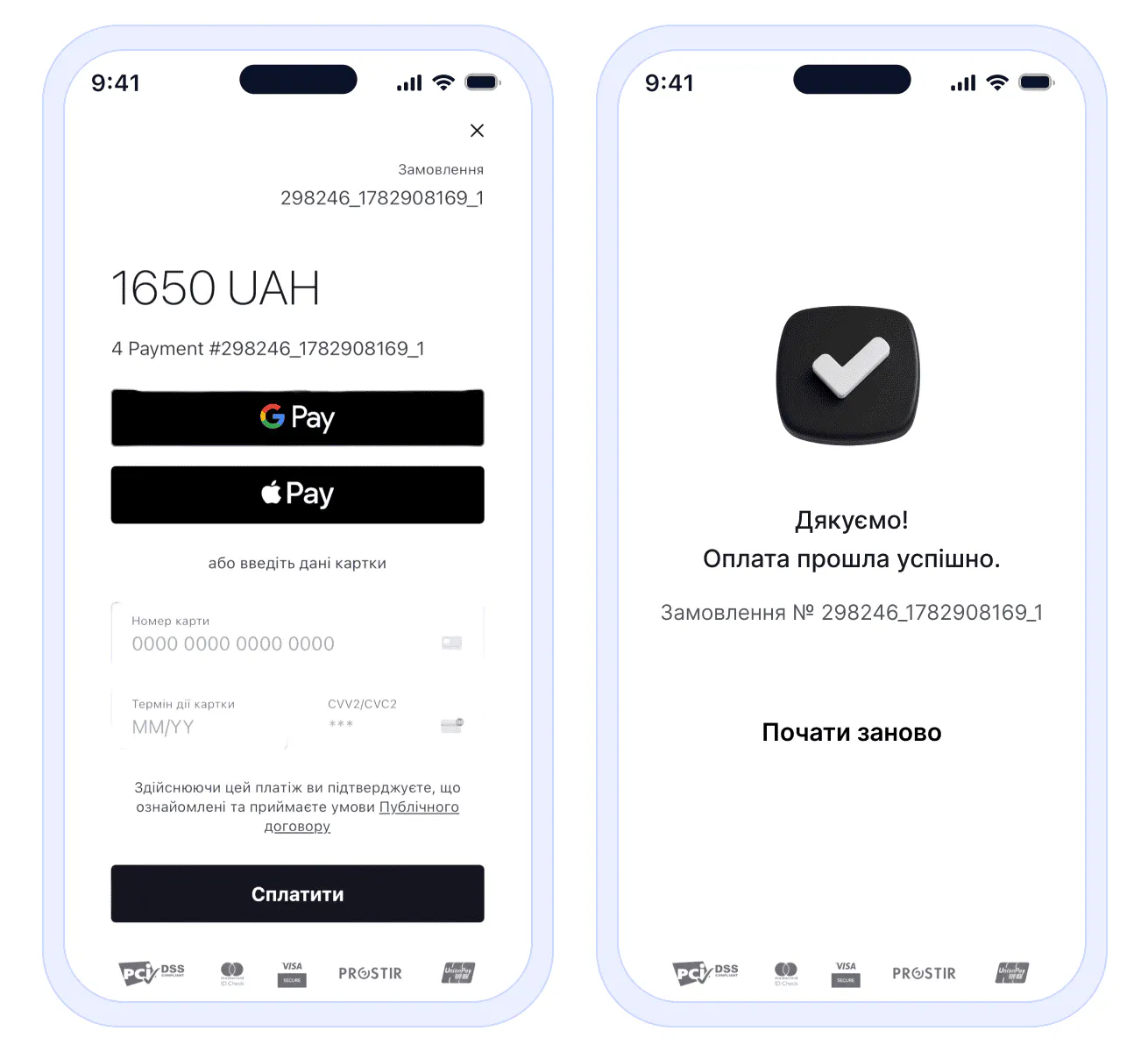
More tools for your WooCommerce store
Tranzzo has over nine years’ experience on the global market, state-of-the-art payment technologies and infrastructure for businesses of all sizes. The payment gateway on WooCommerce sites can also be enhanced with tools for fiscalisation, analytics and bringing customers back to incomplete orders. Such a WooCommerce payment solution helps you not only receive payments, but also control all related processes.

Built-in fiscalisation

Analytics

Abandoned cart reminders
FAQ
Start accepting online payments today
Connect Tranzzo to WooCommerce and offer your shoppers a fast, safe and convenient way to pay for orders.